01 — CHOOSE A PHOTO
Drop in an image
Choose or drag in the image containing the object, portrait, or graphic you want to cut out.
Private image processing for Mac
Remove an image background, isolate the main subject, and export a transparent PNG cutout—without uploading your photo to the cloud.
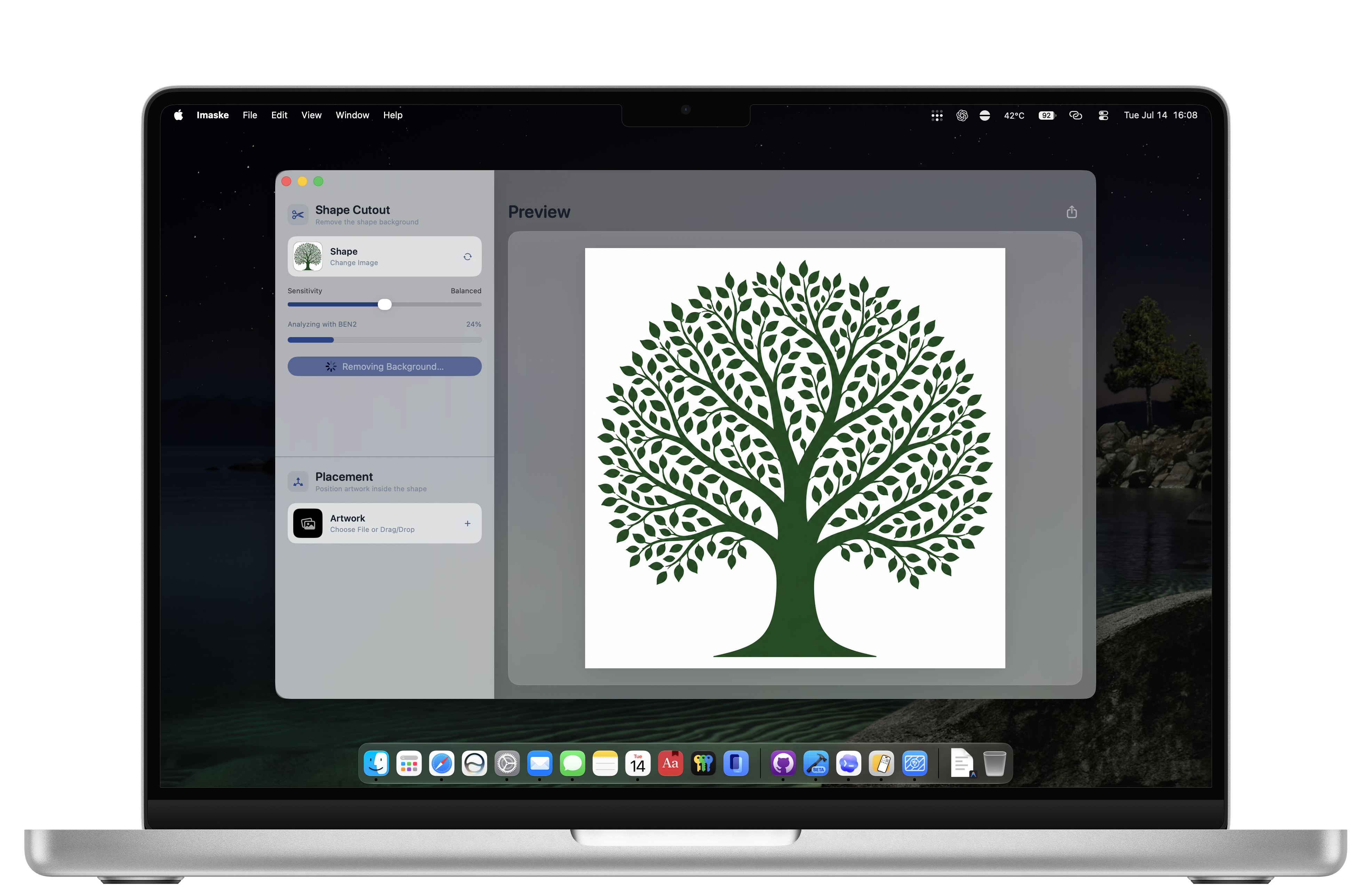
Automatic background removal
Imaske is a focused Mac background eraser for photos, objects, portraits, and graphic shapes. It uses an on-device model to separate a subject from its background, then gives you a sensitivity control to refine the alpha matte.
01 — CHOOSE A PHOTO
Choose or drag in the image containing the object, portrait, or graphic you want to cut out.
02 — REMOVE THE BACKGROUND
Run automatic background removal, then adjust sensitivity to keep the level of edge detail your image needs.
03 — EXPORT PNG
Export your subject cutout as a transparent PNG, ready for another design, presentation, or profile image.
Imaske processes your photos locally. There is no subscription and no upload step between you and your transparent cutout.

FAQ
Yes. The subject extraction and cutout processing happen on your Mac, so your image does not need to be uploaded for background removal.
Yes. Imaske exports PNG files with transparency, so you can use the resulting cutout as a transparent asset in another project.
Yes. The sensitivity control lets you tune the resulting cutout between tighter and more detailed edge treatment.