
Remove backgrounds with precision.
Use automatic, on-device background removal and sensitivity controls to create a clean subject cutout with a transparent background. Your images stay on your Mac.
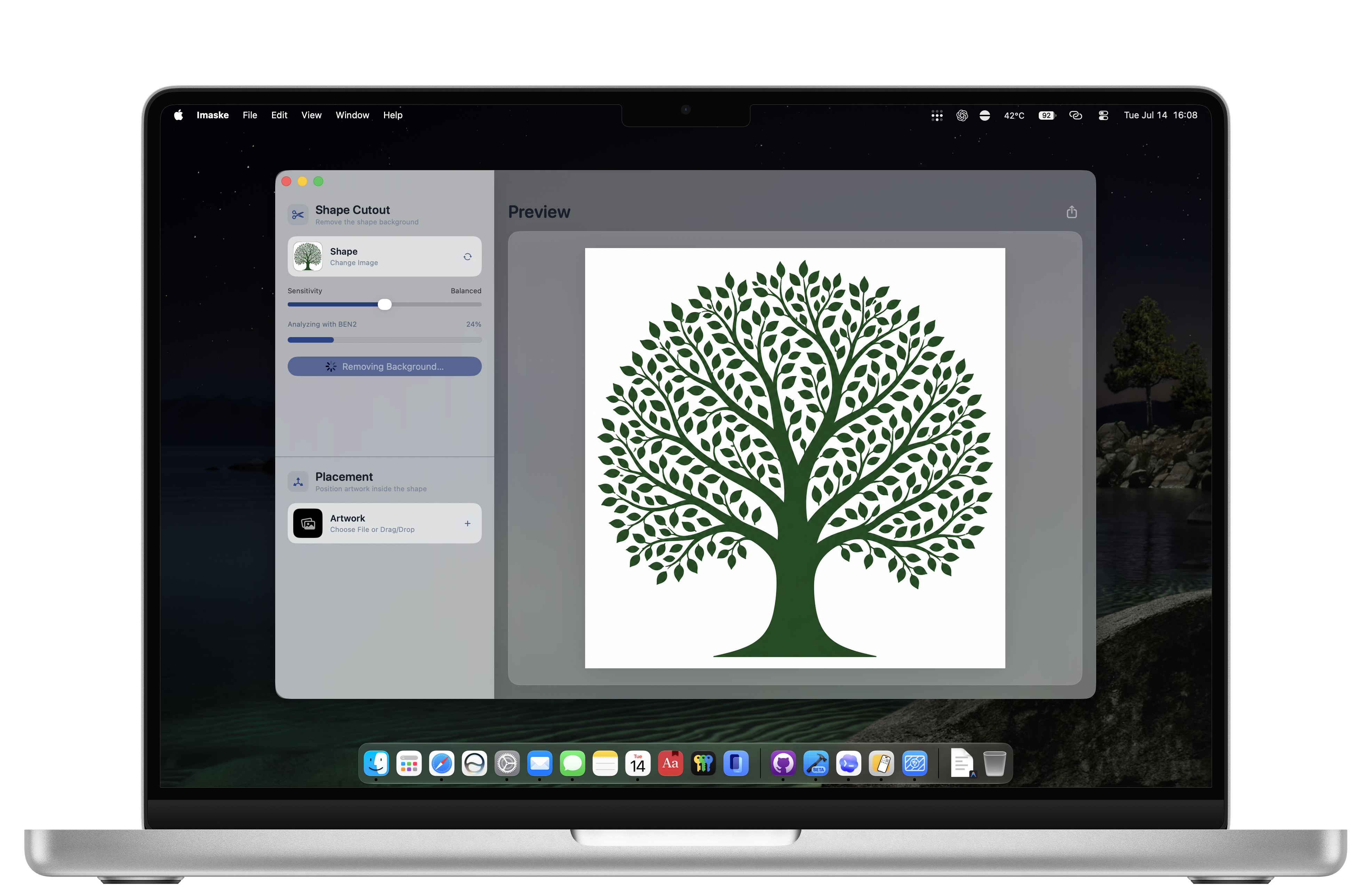
Remove a photo background, create a transparent cutout, or put a photo inside any shape—privately on your Mac.

$1.99 · One-time purchase · No subscription
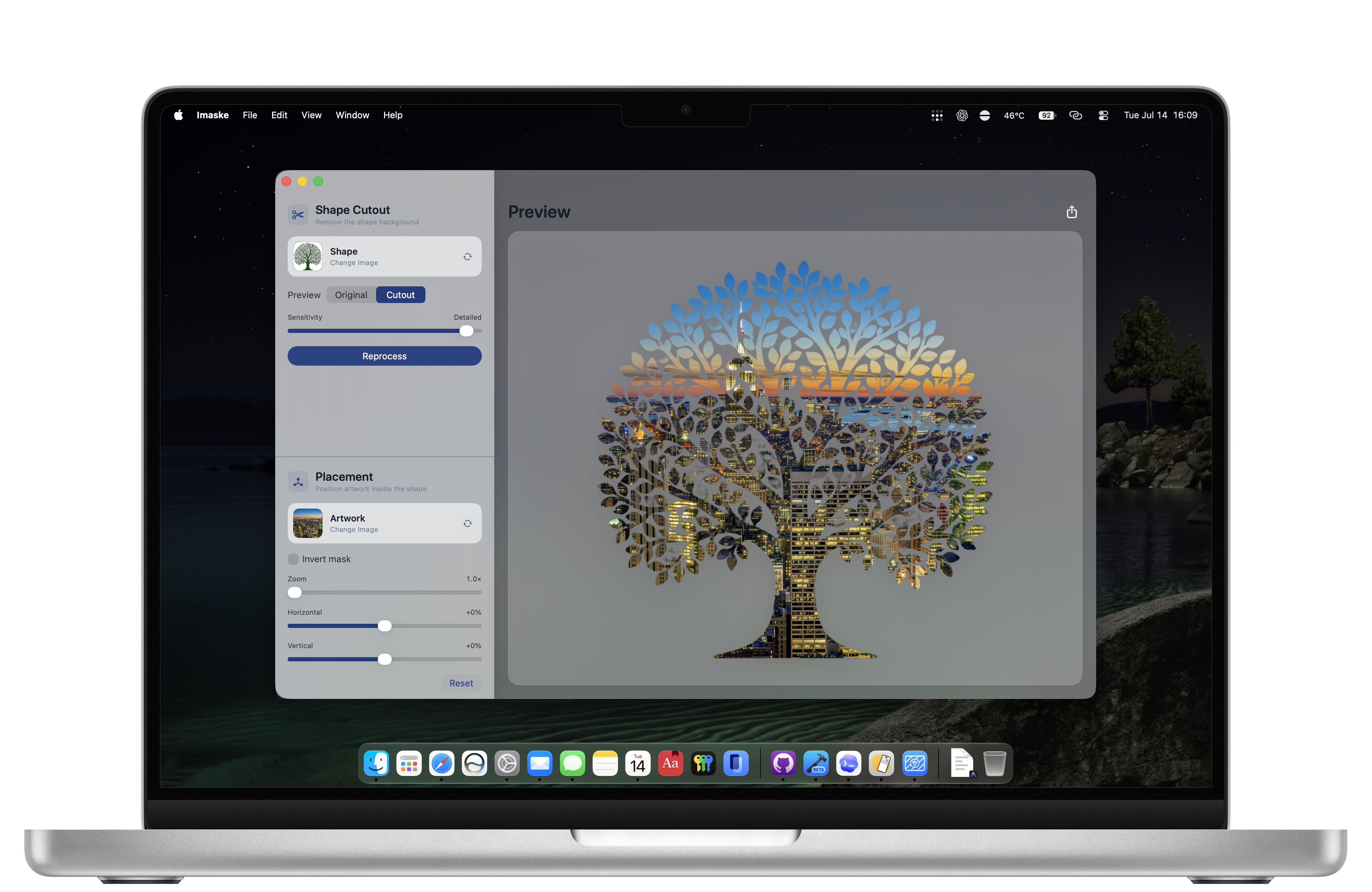
Use automatic, on-device background removal and sensitivity controls to create a clean subject cutout with a transparent background. Your images stay on your Mac.
Turn a cutout into an image mask, then add multiple pictures as separate artwork layers. Adjust each layer’s placement, zoom, order, and mask inversion to create photo silhouettes, custom shape crops, and transparent PNG composites in five simple steps.
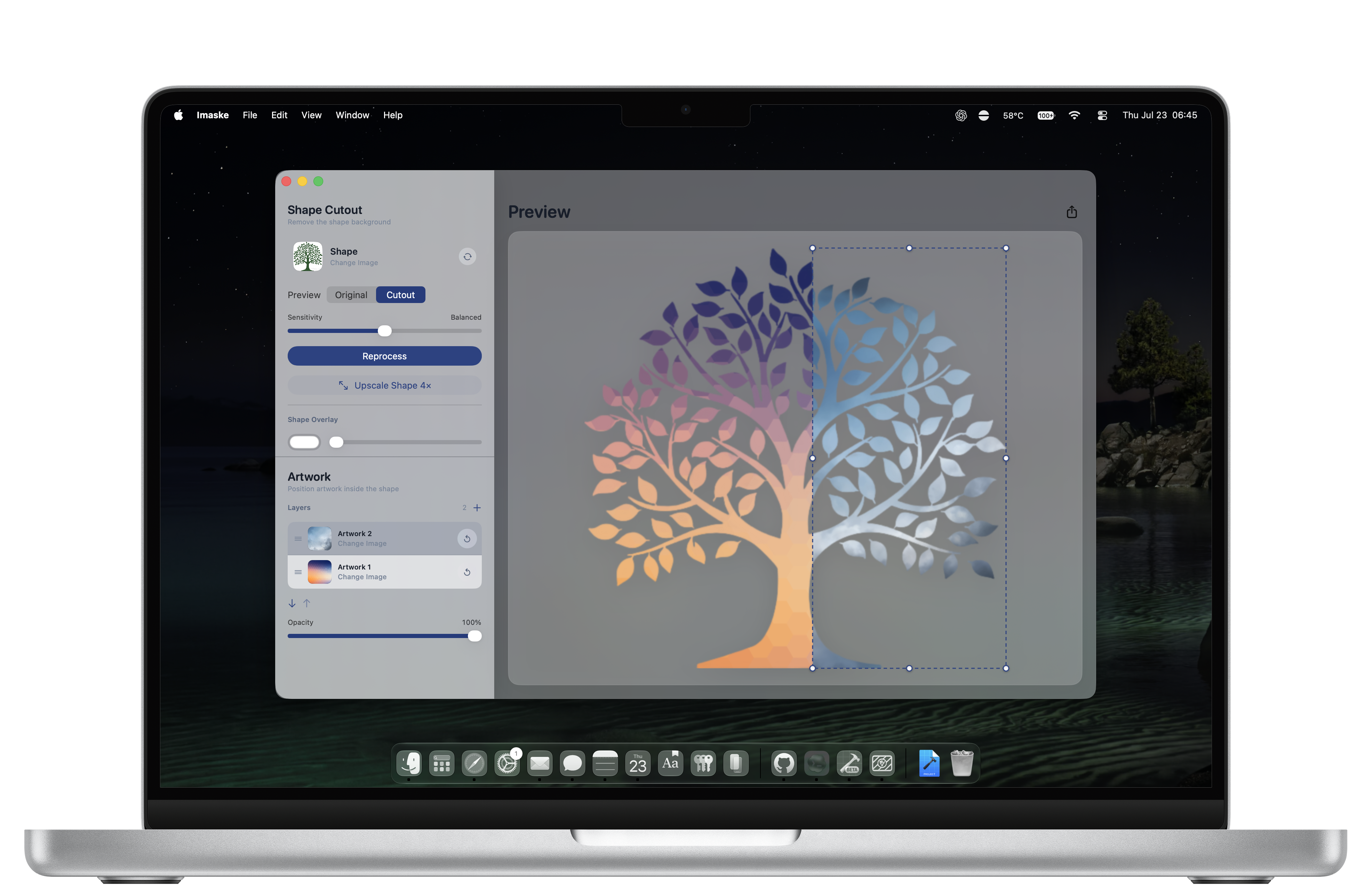
Imaske is a simple tool to quickly make and edit image masks.
Create an object, portrait, or subject cutout with a transparent background. Refine the result with background-removal sensitivity, then export a PNG with alpha transparency.
Crop an image to a shape, fill a PNG shape with a photo, or make silhouette artwork. Control image placement and invert the image mask when your design needs it.
Prepare transparent graphics, alpha masks, and PNG cutouts for presentations, design projects, profile pictures, and artwork—entirely offline.
Yes. Imaske uses an on-device model to isolate the subject from its background, then lets you adjust sensitivity before exporting a transparent PNG cutout.
Yes. Remove the background from a shape image, use it as a mask, and position another image inside it with zoom, placement, and mask-inversion controls.
No. Background removal and image compositing happen locally on your Mac, so your images stay on your device.
Imaske exports transparent PNG images, including transparent backgrounds, cutouts, and masked image composites.